




Remote Work and Systems Administration
Remote work means working outside a traditional office, often from home or a co-working space.
Today, remote work provides flexibility, supports work-life balance, and reduces costs for employees and employers.
Meanwhile, systems administrators keep remote work environments operating smoothly by managing networks, servers, and security.
Establishing a Dedicated Workspace
- Importance of having a designated work area
- Setting up a comfortable and ergonomic workspace
- Minimizing distractions to boost productivity
As a systems administrator, create a dedicated workspace separate from your personal living space.
This boundary separates work from leisure and supports focus and productivity.
Additionally, establish a comfortable, ergonomic workspace for long work sessions.
Choose a suitable chair, desk, and monitor setup to support proper posture and reduce physical strain.
Finally, minimize distractions to improve productivity and efficiency.
Keep the area clutter-free and limit background noise.
Also, set boundaries with family members or roommates to maintain a conducive work environment.
Communication Tools and Strategies
Effective communication helps remote systems administrators coordinate their work.
Remote systems administrators use appropriate tools to remain connected with their teams.
These practices support collaboration regardless of physical distance.
- Use video conferencing platforms for virtual meetings.
- Use instant messaging apps for quick communication.
- Set clear communication expectations with team members.
Utilizing Video Conferencing Platforms for Virtual Meetings
Video conferencing platforms such as Zoom, Microsoft Teams, and Google Meet support virtual meetings.
These tools let systems administrators discuss projects and troubleshoot issues.
They also help teams provide updates in real time.
When scheduling meetings, provide every team member with the necessary links and resources.
Additionally, set clear agendas and goals to keep discussions focused and productive.
Implementing Instant Messaging Apps for Quick Communication
Instant messaging apps such as Slack, Microsoft Teams, and Discord support quick communication.
Systems administrators can use these tools to ask questions and share updates.
Team members can also collaborate on tasks in real time.
However, teams should use instant messaging apps responsibly.
Establish guidelines that explain when to use messaging apps.
Teams should also know when to switch to email or formal meetings.
These guidelines streamline communication and reduce distractions during work hours.
Setting Clear Communication Expectations with Team Members
Clear communication expectations help remote teams collaborate smoothly.
Systems administrators should explain preferred communication methods to team members.
They should also define response times and availability.
Furthermore, encourage open and transparent communication throughout the team.
Team members should feel comfortable sharing updates and asking for help.
They should also feel comfortable providing feedback.
Regular check-ins help teams address communication issues.
Teams can then make necessary adjustments to improve collaboration.
These tools and expectations help remote systems administrators communicate effectively.
As a result, teams can collaborate smoothly and support successful project outcomes.
Delve into the Subject: Importance of Ethical Practices in IT Procurement
Time Management Techniques
Effective time management helps remote systems administrators protect productivity and work-life balance.
A structured approach keeps important responsibilities visible throughout the day.
The following techniques support consistent progress without extending work unnecessarily.
- Create a daily schedule to prioritize tasks
- Set boundaries between work and personal time
- Use time tracking tools to monitor productivity
Creating a Daily Schedule to Prioritize Tasks
Begin each day by listing the tasks that require completion.
Transform Your Career Today
Unlock a personalized career strategy that drives real results. Get tailored advice and a roadmap designed just for you.
Start NowNext, prioritize those tasks according to their deadlines and importance.
Then, divide complex responsibilities into smaller, manageable activities.
Assign specific time slots to each activity and monitor your progress.
Setting Boundaries Between Work and Personal Time
Remote work can blur the separation between professional responsibilities and personal activities.
Therefore, establish clear working hours and stop professional tasks when those hours end.
Afterward, step away from work and choose activities that help you relax.
These boundaries reduce the risk of burnout and support a healthier routine.
Using Time Tracking Tools to Monitor Productivity
Use time tracking tools to record how you spend each workday.
This information can reveal time-wasting activities and opportunities to improve efficiency.
Additionally, set specific daily goals and compare your progress against them.
Regular tracking strengthens accountability and clarifies your work habits.
Uncover the Details: Technical Support Engineer Salary Expectations
Cybersecurity Best Practices for Remote Work
Remote work requires systems administrators to treat cybersecurity as a top priority.
Several practices help protect remote connections, systems, and sensitive information.
These measures also reduce risks associated with unauthorized access and user mistakes.
- Securing remote connections with VPNs
- Implementing multi-factor authentication for added security
- Educating employees on phishing scams and malware threats
Securing Remote Connections with VPNs
Systems administrators should use virtual private networks to secure remote connections.
VPNs encrypt data transmissions and help maintain secure connections.
Consequently, sensitive information remains protected from potential threats during remote access.
Implementing Multi-Factor Authentication
Multi-factor authentication adds another security layer for systems and data.
It requires users to provide more than one form of verification.
Therefore, unauthorized users face greater difficulty accessing critical systems.
Educating Employees About Cybersecurity Threats
Human error often creates a weak point in cybersecurity.
Employees need training that helps them recognize phishing scams and malware threats.
Training sessions, email reminders, and threat updates help employees protect sensitive data.
These cybersecurity practices strengthen remote work environments and help systems administrators mitigate potential risks.
Find Out More: CIOs' Role in Sustainable IT Practices
- Engaging in online training courses to stay updated on industry trends
- Participating in webinars and virtual conferences
- Networking with other professionals in the field
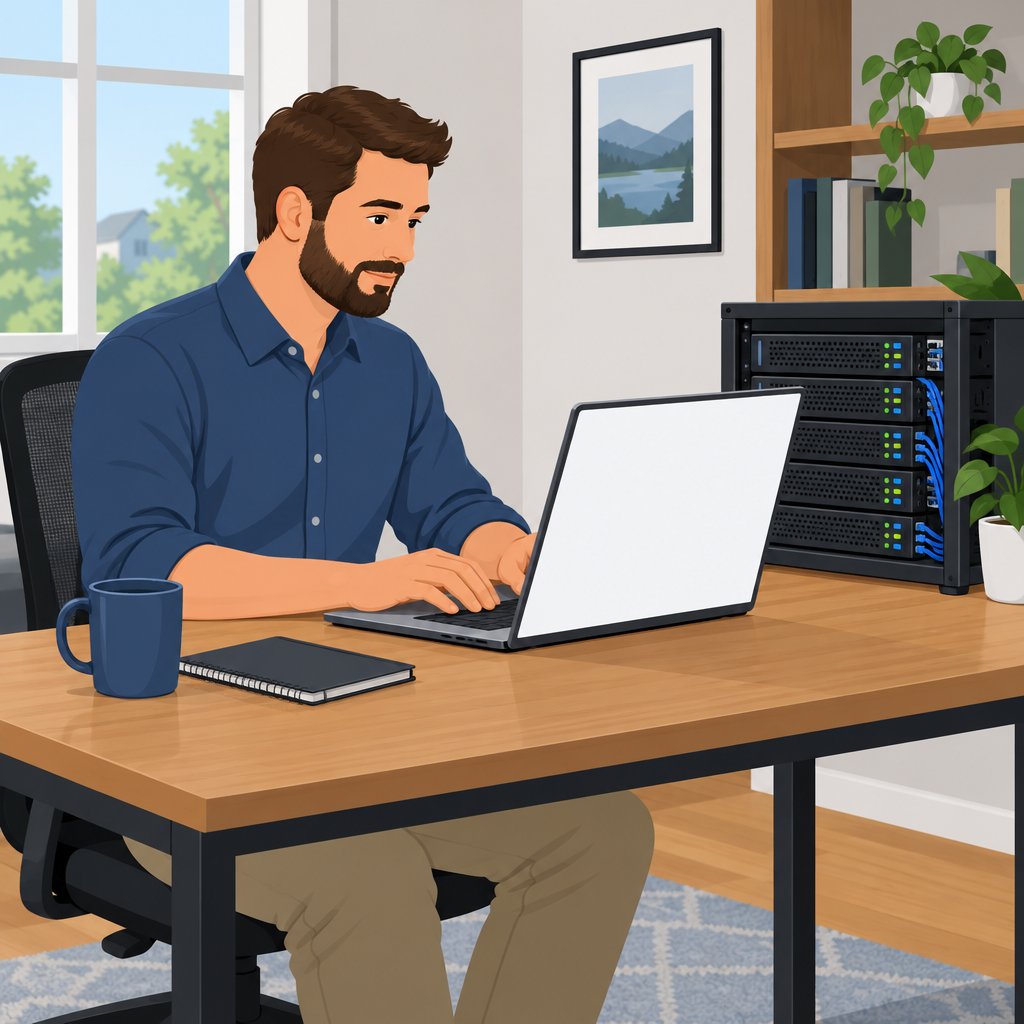
Importance of Continuous Learning
As a systems administrator, ongoing learning remains crucial in the evolving technology industry.
Online training courses offer convenient access to new skills and knowledge from home.
Courses in cloud computing, cybersecurity, or networking can strengthen your expertise and maintain your professional relevance.
Benefits of Webinars and Virtual Conferences
Webinars and virtual conferences connect you with industry experts and provide valuable insights.
These events introduce current technologies, practical methods, and emerging trends.
Networking with professionals can create connections, mentorship opportunities, and potential job leads.
Making the Most of Learning Opportunities
Set aside regular time for learning, such as several hours weekly or one day monthly.
Choose courses and webinars that match your career goals and interests.
Take notes, ask questions, and engage actively to improve comprehension and retention.
Using Networking to Strengthen Your Skills
Join online forums, LinkedIn groups, and professional organizations to exchange knowledge with systems administrators.
Attend networking events, virtual meetups, and conferences to expand your professional connections.
Seek mentors who can provide guidance, advice, and support throughout your career.
Advancing Your Systems Administration Career
Continuous learning and skill development help systems administrators remain relevant and excel professionally.
Training, events, and networking can expand your knowledge and strengthen your abilities.
Transform Your Career Today
Unlock a personalized career strategy that drives real results. Get tailored advice and a roadmap designed just for you.
Start NowThese activities can also support career advancement within the changing technology industry.
You Might Also Like: How to Conduct Network Assessments
Remote Troubleshooting and Technical Support
When working remotely, systems administrators provide troubleshooting and technical support to end-users.
Remote access tools, including TeamViewer, AnyDesk, and Remote Desktop Connection, enable diagnosis without physical presence.
These tools also allow administrators to resolve issues directly on a user’s computer.
Meanwhile, clear and concise instructions help end-users follow troubleshooting steps.
Consequently, support teams can streamline issue resolution and respond promptly.
A helpdesk system improves technical support efficiency by organizing incoming requests.
Ticketing systems track issues, prioritize urgency, and ensure timely responses.
Additionally, a knowledge base or FAQ section helps end-users resolve common issues independently.
Regular documentation updates improve consistency across remote troubleshooting procedures and solutions.
These practices help administrators maintain smooth IT operations while working remotely.
- Use remote access tools to diagnose and resolve issues.
- Provide clear instructions for end-users during troubleshooting.
- Establish a helpdesk system for efficient technical support.
Self-care and Wellness
- Incorporate regular breaks and physical activity into your daily routine.
- Practice mindfulness and stress management techniques to stay balanced.
- Seek support from colleagues or online communities for mental health support.
Taking care of yourself is crucial when you work remotely as a systems administrator.
Remote work can limit physical interaction with colleagues and keep you in front of a screen.
Consequently, this routine can affect your well-being.
Regular breaks and physical activity: Make these habits part of your daily routine.
First, stand up, stretch, and move around every hour.
Additionally, take a quick walk outside or perform simple exercises to improve circulation.
These actions support physical health while helping you maintain focus.
Mindfulness and stress management: Use these practices to maintain balance during remote work.
Remote work can blur the boundaries between professional and personal life.
As a result, unclear boundaries can increase stress and contribute to burnout.
Therefore, practice mindfulness through meditation, deep breathing, or brief mental pauses.
Stepping away from work can also help you clear your mind.
Managing stress effectively prepares you to handle job demands more steadily.
Support from colleagues and communities: Reach out when you feel overwhelmed or struggle with your mental health.
Sharing your feelings and experiences can provide useful perspective.
Furthermore, colleagues and online communities can offer valuable support.
Remember that you are not alone when work feels difficult.
Seeking help demonstrates strength rather than weakness.
Prioritizing self-care supports your well-being and productivity as a remote systems administrator.
These practices can help you create a healthier balance between work and personal life.
Make self-care a necessary part of your remote work routine.
Sustaining Effective Remote Administration
Systems administrators can sustain remote effectiveness by balancing communication, boundaries, and adaptable work practices.
Additionally, collaboration platforms and VPNs help teams maintain seamless operations.
Clear boundaries also help administrators protect personal time while meeting operational responsibilities.
Furthermore, administrators should apply cybersecurity practices to protect sensitive data.
Healthy work-life balance supports long-term success in remote work environments.
Finally, adaptability and flexibility help administrators improve productivity and efficiency.
Additional Resources
Google search results for Remote Work Tips for Systems Administrators Information Technology
Transform Your Career Today
Unlock a personalized career strategy that drives real results. Get tailored advice and a roadmap designed just for you.
Start NowBing search results for Remote Work Tips for Systems Administrators Information Technology


