




Introduction
System audits thoroughly examine a company’s IT infrastructure for compliance and security.
They help sysadmins detect vulnerabilities and maintain smooth system operation.
This process provides a structured way to review systems and identify needed improvements.
Setting Audit Objectives
First, define the audit’s scope and goals to guide the process effectively.
Next, identify focus areas such as network security, software updates, and user access controls.
Finally, create a task checklist to keep the audit organized and on track.
Gathering System Information
Collect system configurations, user permissions, and network logs for analysis.
Then, review system manuals, policies, and procedures to understand the system’s design.
Also, interview IT staff and management about weaknesses and possible improvements.
Conducting Security Tests
Use security scanning tools to identify vulnerabilities within the system infrastructure.
Additionally, perform penetration testing to simulate cyber-attacks and assess defense mechanisms.
Review user accounts for inactive or unauthorized access to protect data security.
Analyzing Audit Results
Review test findings and assessments to determine the system’s overall health.
Next, identify security weaknesses or gaps that require immediate attention.
Prepare a detailed report containing improvement recommendations and required remedial actions.
Implementing Recommended Changes
Collaborate with IT teams to address identified vulnerabilities and security gaps.
Update configurations, implement patches, and strengthen user access controls according to recommendations.
Meanwhile, document every audit-related change for future reference and tracking.
Maintaining Continuous Monitoring
Establish regular monitoring and auditing to maintain infrastructure security and compliance.
Schedule periodic audits to track improvements, address new risks, and maintain system integrity.
Finally, stay informed about emerging security threats and technologies to adapt the audit process.
Understanding the Purpose of System Audits
System audits provide a structured method for evaluating security, configuration, performance, and operational efficiency.
They help SysAdmins verify whether systems support organizational requirements and function reliably.
Regular reviews also reveal weaknesses before they develop into serious security or operational problems.
- Define system audits and their role in maintaining security and efficiency.
- Explain how audits identify vulnerabilities and potential system risks.
Audits systematically review system configurations, performance, and security controls.
They also help organizations maintain compliance with applicable standards and regulations.
Additionally, audit findings highlight opportunities to improve overall system performance.
Defining System Audits
Defining an audit establishes its objectives, scope, and assessment methods.
This preparation creates a consistent process for examining relevant system components.
Clear guidelines also improve the consistency and accuracy of audit results.
Furthermore, SysAdmins can align audit activities with specific security concerns.
They can also address compliance requirements that apply to their organization.
Identifying Vulnerabilities and Potential Risks
System audits examine configurations, access controls, and security protocols for weaknesses.
This examination can reveal weak points or possible entry points for malicious actors.
Vulnerability assessments provide useful information about weaknesses in system design or implementation.
Risk analysis then helps SysAdmins prioritize corrective actions and remediation plans.
By responding early, organizations can strengthen security, reliability, and system performance.
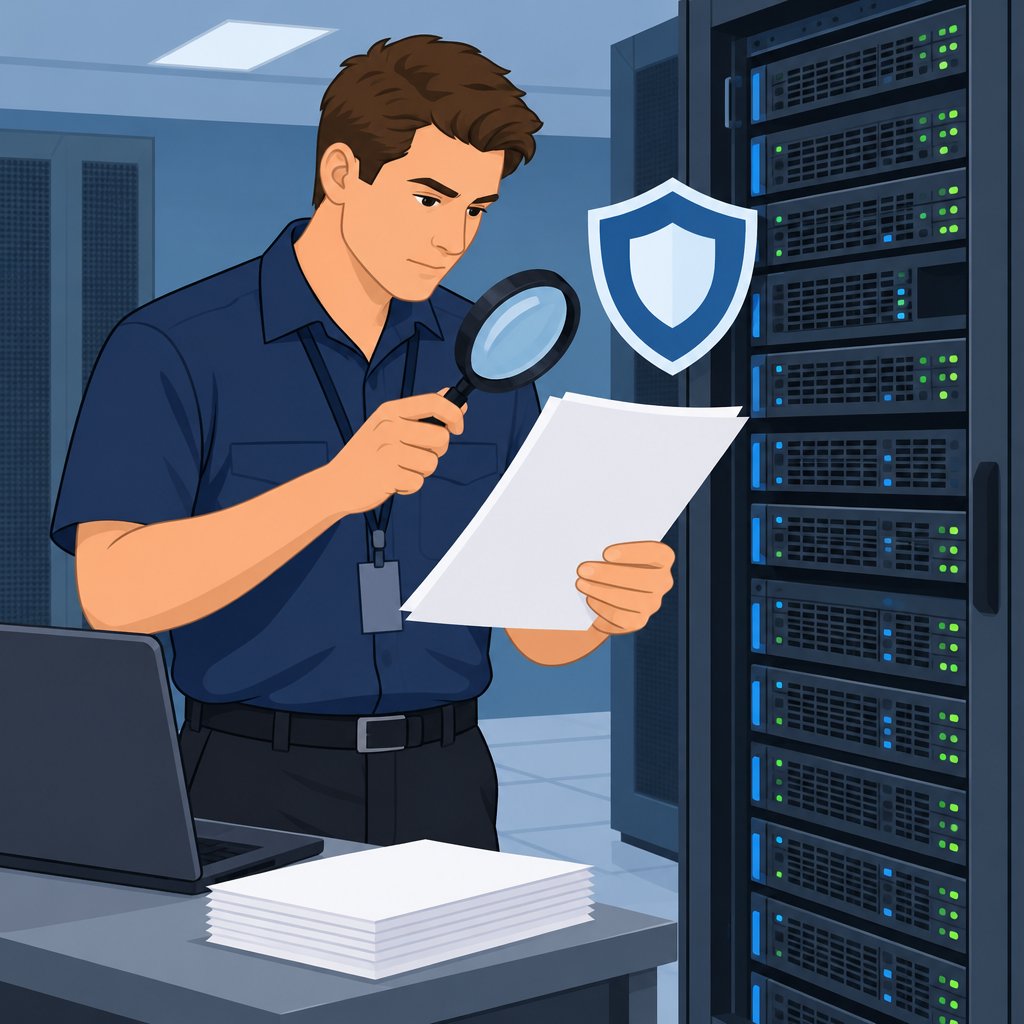
Preparing for a System Audit
SysAdmins should organize audit activities before reviewing production systems.
A clear preparation process helps teams collect evidence and examine important operational areas.
Therefore, preparation should cover review criteria, available resources, testing procedures, stakeholder coordination, and compliance requirements.
Transform Your Career Today
Unlock a personalized career strategy that drives real results. Get tailored advice and a roadmap designed just for you.
Start Now- Creating a checklist of items to review during the audit
- Ensuring necessary tools and resources are available for conducting the audit
Creating a Comprehensive Audit Checklist
Start by listing every system area that requires review.
Use the checklist to organize evidence collection and prevent important controls from being overlooked.
Update the checklist when audit requirements or system components change.
- System configurations
- Security settings
- Access controls
- Hardware and software inventory
- Backup and recovery procedures
- Network configurations
- User permissions
Gathering Audit Tools and Resources
Gather the tools required to collect, examine, and document audit evidence.
Confirm that authorized personnel can access each tool before the audit begins.
Additionally, prepare documentation templates that support consistent reporting.
- Monitoring software
- Vulnerability scanners
- Network analyzers
- Logging and auditing tools
- Security incident response tools
- Documentation templates
Establishing a Test Environment
Set up a test environment before applying audit procedures to production systems.
Replicate the production environment as closely as practical for meaningful testing.
Protect critical data with backups before changing the test environment.
Controlled testing can reveal gaps in audit procedures before the formal review.
Engaging Audit Stakeholders
Involve IT teams, security personnel, and management throughout the audit process.
These participants can provide operational details and clarify system ownership.
Share the audit scope, timeline, and possible effects on system operations.
Stakeholder support also helps teams address findings after the review.
Reviewing Compliance Requirements
Identify the compliance requirements and regulations that apply to the organization.
Align audit procedures with those requirements before collecting evidence.
Document each compliance check to demonstrate due diligence and continued adherence.
Well-maintained records can support future audits and related assessments.
Gain More Insights: The Role of IT Change Managers in DevOps
Conducting the Actual System Audit
A system audit reviews configurations, settings, and logs across defined systems, networks, and devices.
Software tools can automate repetitive checks, improve consistency, and help identify security and operational concerns.
The following steps guide the audit from scope definition through remediation.
- Define the scope: First, define the systems, networks, and devices included in the audit.
- Gather information: Next, collect system configurations, network topology diagrams, and security policies as audit evidence.
- Review system configurations: Review each system configuration for misconfigurations, vulnerabilities, outdated software, and weak password policies.
- Examine system settings: Then, examine system settings for unnecessary services, open ports, and default accounts.
- Analyze system logs: Analyze system logs for failed logins, unauthorized access, malware infections, and other suspicious activity.
- Use software tools: Use Nessus, OpenVAS, and Security Onion to scan vulnerabilities, detect misconfigurations, and monitor network traffic.
- Create a detailed report: Afterward, create a detailed report with observations, security risks, recommendations, and findings for stakeholder review.
- Implement remediation steps: Finally, implement patches, update configurations, strengthen access controls, and monitor systems regularly.
Learn More: Data Warehouse Architect: Contract vs. Permanent Roles
Documenting and Categorizing Audit Findings
After completing an audit, SysAdmins document every identified issue, vulnerability, and potential security risk.
Accurate records preserve audit evidence and provide a reference for future audits.
Additionally, SysAdmins categorize findings by nature, severity, and potential system impact.
Prioritizing Findings by Risk and Impact
After categorizing findings, SysAdmins prioritize them according to severity and potential effects on system performance.
Some vulnerabilities present greater risks than others.
Therefore, SysAdmins assess each finding to determine its risk level.
High-severity issues that could cause downtime or data loss receive the highest priority.
By addressing critical vulnerabilities first, SysAdmins mitigate risks and strengthen the system’s security posture.
See Related Content: Networking Tips for IT Trainers
Addressing and Resolving Audit Findings
After an audit, teams must resolve every finding identified during the review.
This work requires clear action plans and coordinated implementation.
These efforts strengthen system security and performance.
Developing Action Plans
Teams should prioritize findings according to their severity and potential system impact.
Each issue needs an action plan that defines corrective steps and preventive measures.
Assigning ownership gives team members clear responsibility for completing each action.
Realistic deadlines should reflect the issue’s complexity and available resources.
- Prioritize each finding according to its security and performance impact.
- Document corrective steps that resolve the issue and prevent recurrence.
- Assign every action to a specific team member or stakeholder.
- Set achievable deadlines for completing each corrective action.
Working with Relevant Teams and Stakeholders
Effective communication helps teams implement changes based on audit findings.
Transform Your Career Today
Unlock a personalized career strategy that drives real results. Get tailored advice and a roadmap designed just for you.
Start NowIT, security, operations, and management teams should coordinate their corrective efforts.
Business leaders, compliance officers, and external auditors may provide useful support and feedback.
- Share action plans with the teams responsible for implementation.
- Coordinate changes across IT, security, operations, and management.
- Provide stakeholders with regular updates about resolution progress.
- Seek stakeholder input when teams need additional guidance or support.
- Track each action until the responsible team completes it.
- Conduct follow-up audits when necessary to verify effective resolution.
Regular monitoring confirms whether teams have completed the planned corrective actions.
Prompt resolution helps SysAdmins improve system security and operational performance.
You Might Also Like: Effective Teaching Strategies for IT Trainers
Re-auditing and Monitoring Systems
Sysadmins should re-audit systems regularly to preserve infrastructure integrity.
Regular reviews also reveal vulnerabilities and security risks before they become larger problems.
Meanwhile, continuous monitoring helps teams maintain system health and respond quickly.
- Regular system audits
- Ongoing system health and security monitoring
Establishing a Regular Audit Schedule
First, establish a schedule for reviewing systems and their components.
The schedule should define audit frequency and identify the systems covered.
Additionally, match review frequency to system complexity, risk, and regulatory requirements.
High-risk systems and sensitive data require more frequent reviews than lower-risk systems.
Implementing Continuous System Monitoring
Alongside audits, implement monitoring practices that reveal potential security threats.
Monitoring tools can track utilization, network traffic, application performance, and security events.
Therefore, teams can investigate unusual activity and address issues before they escalate.
Set alerts for defined thresholds or suspicious conditions.
Furthermore, review monitoring reports regularly to identify trends or recurring security concerns.
These practices help protect infrastructure from potential threats and vulnerabilities.
Benefits of System Audits for System Administration
System audits help sysadmins protect systems and maintain efficient daily operations.
Regular audits reveal vulnerabilities and potential threats before they escalate.
Furthermore, sysadmins should improve audit processes as technologies and threats evolve.
Proactive system maintenance helps prevent security breaches and data loss.
Therefore, audits remain essential tools for effective IT management and system integrity.
Additional Resources
Google search results for How to Conduct System Audits as a SysAdmin Information Technology
Bing search results for How to Conduct System Audits as a SysAdmin Information Technology


