




MERN Stack Overview
The MERN stack is a popular framework for full stack development.
It supports the development of complete web applications.
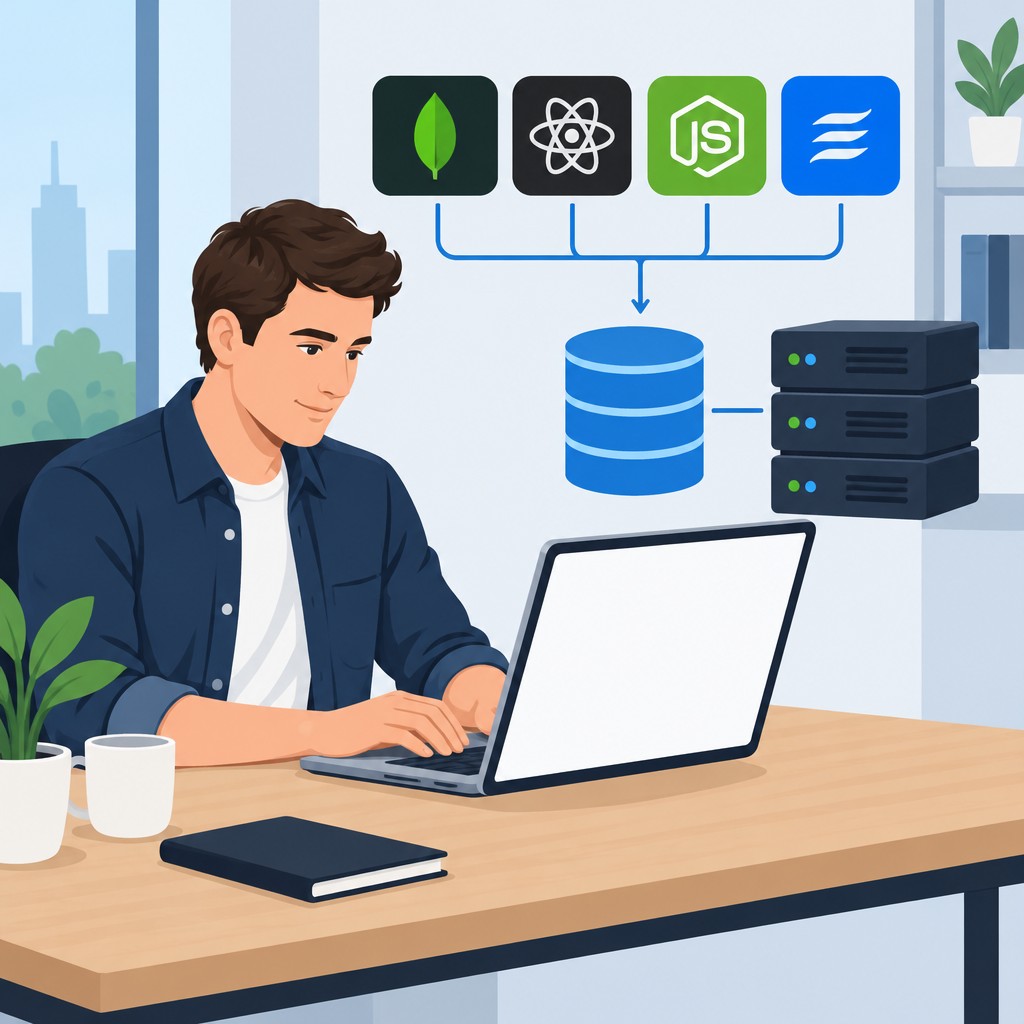
The stack includes MongoDB, Express.js, React, and Node.js.
Importance of MERN Stack Knowledge
Comprehensive knowledge of the MERN stack supports effective web development.
It helps developers build efficient web applications.
It also supports the creation of scalable web applications.
What Is the MERN Stack?
The MERN stack supports full-stack web development with four connected technologies.
These technologies include MongoDB, Express, React, and Node.js.
Together, they support data storage, server operations, user interfaces, and application execution.
Core Technologies in the MERN Stack
Each MERN component performs a distinct role within a complete web application.
MongoDB manages data, while Express and Node.js support backend operations.
React manages the user interface and creates interactive application experiences.
MongoDB for Flexible Data Storage
MongoDB is a NoSQL database that stores information in a flexible, JSON-like format.
Its document-based structure aligns with the data structures used in JavaScript applications.
Additionally, MongoDB provides scalable and efficient storage for web applications.
Express for Backend Development
Express is a web application framework that runs with Node.js.
It helps developers create application programming interfaces and web applications.
Furthermore, Express simplifies server-side logic, routing, and HTTP request handling.
React for Interactive User Interfaces
React is a JavaScript library for building web application user interfaces.
It allows developers to create reusable components for interactive interfaces.
React also updates these components efficiently, supporting smooth user experiences.
Node.js for Server-Side Execution
Node.js is a JavaScript runtime environment that executes code on servers.
It enables developers to build fast and scalable network applications.
Moreover, its event-driven architecture and non-blocking operations handle simultaneous connections efficiently.
How the Components Support Full-Stack Development
MongoDB provides the application database and stores information for retrieval.
Express and Node.js process requests, apply server logic, and deliver application responses.
React presents the resulting information through dynamic and interactive user interfaces.
Benefits of Using the MERN Stack
- Scalability and flexibility
- Consistency in development
- Efficient workflow
The MERN stack offers scalability and flexibility for full stack development.
MongoDB, Express.js, React, and Node.js work together as applications grow.
Therefore, the stack supports both small projects and large enterprise applications.
Additionally, the MERN stack creates consistency throughout development.
Developers use JavaScript across the entire stack and maintain a uniform codebase.
This approach simplifies development and helps new team members contribute quickly.
Furthermore, the MERN stack supports an efficient development workflow.
Its integrated tools help developers streamline application development and deployment.
As a result, teams can iterate faster and deliver features more quickly.
Learn More: How to Stay Updated in the Technical Writing Field
Setting Up a Development Environment with the MERN Stack
A MERN development environment requires several software components.
These components support database management, server development, and user interface creation.
The setup process includes MongoDB, Node.js, NPM, Express, and React.
Transform Your Career Today
Unlock a personalized career strategy that drives real results. Get tailored advice and a roadmap designed just for you.
Start Now- Installation of MongoDB
- Installation of Node.js and NPM
- Setting up an Express server
- Creating a React app
Installing MongoDB
MongoDB provides the database component for a MERN development environment.
It stores and manages data for applications.
Visit the official MongoDB website to download the appropriate version for your operating system.
Then, follow the provided installation instructions to complete the process.
Installing Node.js and NPM
Node.js provides a JavaScript runtime outside the web browser.
NPM manages Node.js packages and project dependencies.
Visit the official Node.js website to download the recommended version.
The installation process guides you through the necessary setup steps.
Setting Up an Express Server
Express provides a minimalist web framework for Node.js.
It supports the creation of APIs and web applications.
First, create a project directory and navigate to it using the command line.
Next, run “npm init” to create a package.json file.
Then, install Express by running “npm install express”.
Finally, create a server file such as “server.js” and begin building the server.
Creating a React App
React provides the user interface component of the MERN stack.
Create React App offers a tool for starting a new React application.
The React team developed this tool to simplify initial project setup.
Run “npx create-react-app my-app” in the project directory.
The command creates a React app named “my-app”.
It also adds the files and dependencies needed to begin development.
Discover More: IT Trainer Salary Expectations in the US
Connecting MongoDB with Express
Express applications can connect to MongoDB through Mongoose.
Mongoose provides a structured way to define data models and manage database interactions.
Developers can use this connection to build data-driven full-stack applications.
Mongoose for Object Data Modeling
Mongoose simplifies MongoDB development by providing a schema-based solution.
Developers can define each field’s structure and data type within a model.
Additionally, Mongoose validates data before applications save it to the database.
These features help Express applications perform database operations more consistently.
- Mongoose simplifies MongoDB development through schema-based data models.
- Developers can define structures and data types for individual model fields.
- Validation checks data before the application saves it to MongoDB.
- Models enable Express applications to perform create, read, update, and delete operations.
CRUD Operations with MongoDB
CRUD represents the four basic database operations: create, read, update, and delete.
To create a record, developers instantiate a Mongoose model and save it.
Reading data requires queries that find specific records in the database.
Updating data involves finding a record, changing it, and saving it again.
Deleting data involves finding a record and calling the remove method.
- Create operations add new records through Mongoose model instances.
- Read operations retrieve records through Mongoose queries.
- Update operations modify existing records before saving them again.
- Delete operations remove records after the application finds them.
These practices support full-stack applications that use the MERN stack.
Therefore, developers should understand Mongoose and CRUD operations for effective database work.
Uncover the Details: Common IT Governance Frameworks Explained
Building the Backend with Node.js and Express
Node.js and Express support backend development within the MERN stack.
The backend provides essential services for full-stack applications.
This section covers RESTful APIs, Express middleware, and error handling.
- Create RESTful APIs
- Middleware in Express
- Error handling in Express
Creating RESTful APIs
RESTful APIs define routes and endpoints for frontend applications.
Transform Your Career Today
Unlock a personalized career strategy that drives real results. Get tailored advice and a roadmap designed just for you.
Start NowThese endpoints allow the frontend to interact with server resources.
Developers define routes using Express to create RESTful APIs.
Each route corresponds to an endpoint that the frontend can access.
Endpoints can retrieve or manipulate data on the server.
For example, routes can fetch data, submit forms, or update information.
Using Middleware in Express
Express middleware functions access request and response objects.
They can also access the next middleware function in the stack.
Middleware can execute code or modify request and response objects.
It can also invoke the next middleware function.
Developers use middleware to log requests and authenticate users.
Middleware can also handle errors or parse request bodies.
Therefore, middleware helps modularize and organize Express applications.
Handling Errors in Express
Error handling strengthens the reliability of Node.js and Express backends.
Applications should handle errors properly when they occur.
Proper handling helps prevent server crashes and sensitive information leaks.
Express provides built-in error-handling middleware functions.
These functions catch errors during application execution.
They also help applications respond to errors gracefully.
As a result, clients can receive meaningful error messages.
You Might Also Like: IT Change Management: Tools and Software to Know
Developing the Frontend with React
React provides a structured approach for developing dynamic web application frontends.
Its component-based architecture helps developers create reusable interface elements.
Additionally, React supports state management and routing for interactive applications.
- Component-based architecture.
- State management with React Hooks.
- Routing in React.
Component-Based Architecture
React lets developers build encapsulated components for application interfaces.
Each component can manage its own state independently.
Therefore, developers can update one component without affecting the entire application.
State Management with React Hooks
React Hooks allow functional components to use state and other React features.
Consequently, developers can manage application state with concise functional code.
This approach also improves readability within React applications.
Routing in React
React Router helps developers manage navigation within React applications.
Developers can define routes that render specific components for each URL.
As a result, React applications can support multiple views through routing.
Together, these features provide an efficient approach to frontend development.
They also help developers create dynamic and interactive web applications.
Full Stack Development with the MERN Stack
Full stack development uses a comprehensive approach to building web applications.
It addresses both frontend and backend development.
This approach combines server-side and client-side work.
Integrating Backend and Frontend
- Backend development involves server-side code, databases, and server configuration.
- Frontend development focuses on user interfaces, user experiences, and client-side scripting.
- Therefore, developers must integrate both areas to create functional web applications.
Connecting React with Express APIs
- React provides a popular JavaScript library for building user interfaces.
- Express offers a lightweight and flexible backend framework for Node.js.
- Connecting React with Express APIs enables frontend and backend communication.
Handling Data Flow Between Components
- MERN applications rely on data flow between components to render dynamic content.
- React libraries such as Redux and Context API help manage component data.
- Effective data flow supports smooth interaction between application components.
Integrating MERN Technologies
Mastering the MERN stack requires a deep understanding of frontend technologies.
It also requires a deep understanding of backend technologies.
Developers can create robust and scalable web applications by managing these connected areas effectively.
Transform Your Career Today
Unlock a personalized career strategy that drives real results. Get tailored advice and a roadmap designed just for you.
Start NowDeployment and Production with the MERN Stack
Deployment represents the next stage after developing a full-stack MERN application.
It makes the application accessible to users in a live environment.
Furthermore, production preparation helps the application operate smoothly and securely.
Setting Up the Production Environment
First, prepare an environment that can host the frontend and backend code.
Next, configure the server to handle production traffic and support security measures.
Additionally, prepare secure data storage and optimize the application for performance and scalability.
- Set up a production environment for hosting the frontend and backend code.
- Configure the server to handle production traffic and support security measures.
- Create a database instance for secure and efficient application data storage.
- Optimize the application by minimizing load times and supporting scalability.
Deploying the Application to Heroku or Other Platforms
Heroku provides a convenient platform for deploying MERN applications.
Meanwhile, other platforms can also host the application’s frontend and backend code.
Therefore, select a hosting approach that supports deployment, data management, and secure configuration.
- Sign up for a Heroku account and follow its deployment instructions.
- Deploy the frontend and backend code to the selected platform.
- Use Heroku’s PostgreSQL add-on or MongoDB Atlas for database hosting.
- Configure environment variables to protect API keys and database URLs.
Monitoring and Scaling the Application in Production
After deployment, monitor the application to identify and troubleshoot production issues.
Use logging and error tracking to examine system errors and user interactions.
Finally, scale the application as traffic and user demand increase.
- Implement tools such as Sentry or LogRocket for logging and error tracking.
- Use Heroku Metrics or another monitoring service to track application performance.
- Track response time and server load to identify performance concerns.
- Scale horizontally by adding instances or vertically by upgrading resources.
Applying MERN Skills to Modern Web Development
We explored the MERN stack as a unified approach to full-stack development.
MongoDB stores application data while Node.js provides the server-side runtime environment.
Express.js supports backend web applications by handling HTTP requests and building APIs.
React enables developers to create dynamic, interactive user interfaces.
Together, these technologies support efficient and scalable web applications.
Understanding each component helps developers use the stack effectively in full-stack projects.
Developers can build high-performance applications with seamless experiences across devices.
Meanwhile, continued practice helps developers strengthen their skills and follow current development trends.
Developers can also use MERN flexibility and scalability to create modern web solutions.
Experimenting with different projects can expand practical skills and reveal new possibilities.


